Full HD describes an image with a resolution of 1920 × 1080 pixels. The “p” in 1080p stands for progressive scanning, which displays each frame’s lines in sequence. You can learn more about television formats from Encyclopaedia Britannica’s overview of high-definition television.
For movie nights, Full HD can be a practical choice when you want to watch films and shows on a larger surface. Resolution is only one part of the experience, though. The quality of your source material, the size of the projected image and how far you sit from it all influence what you see.
Keep in mind that playing a lower-resolution video on a Full HD projector does not turn the original source into native Full HD. Whenever you have a choice, select a source that suits the projector’s resolution and your viewing preferences.
Choose a Comfortable Picture Size
Our projector is listed at 800 ANSI brightness. Brightness is useful to consider alongside the conditions in your room, rather than on its own. Light from windows, lamps and nearby screens can affect how the projected image appears, and spreading light over a larger image can also change its perceived brightness.
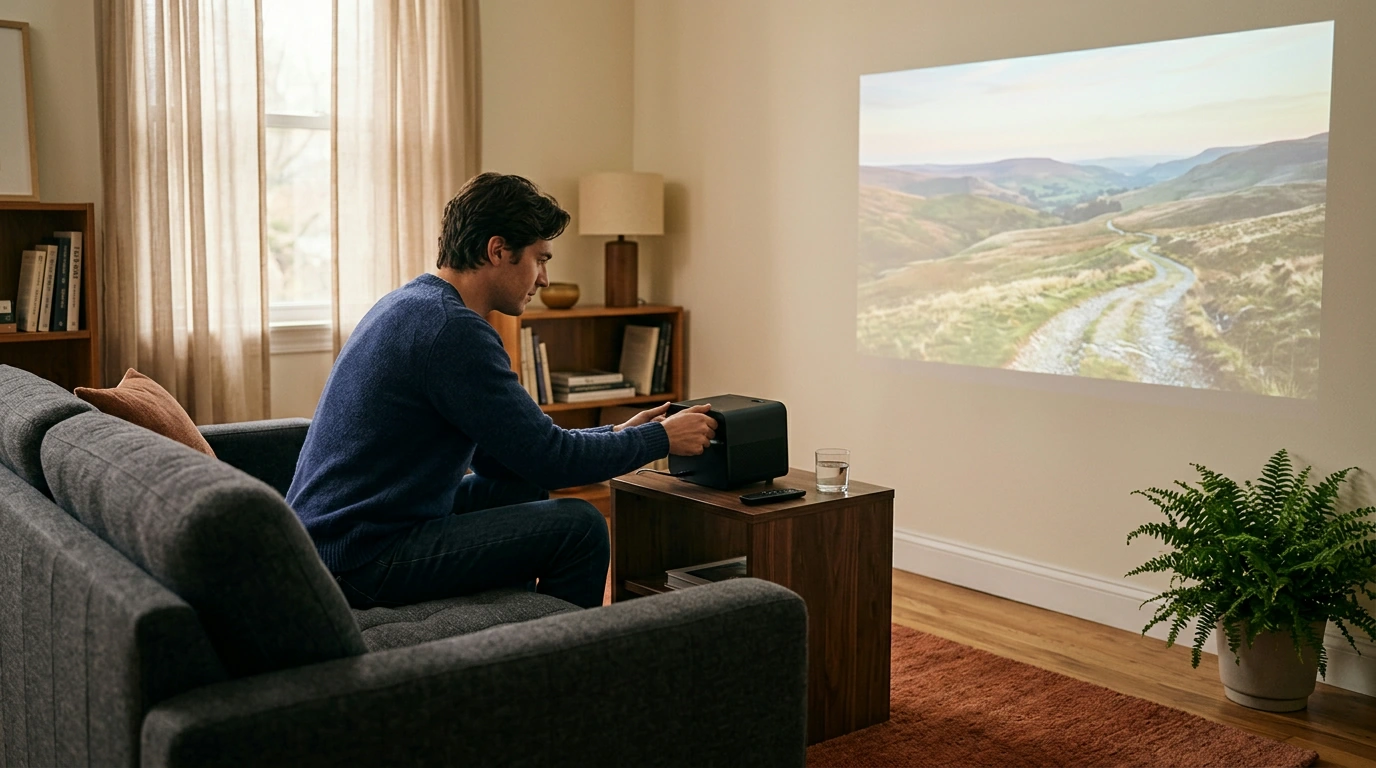
For a movie night, try dimming the room and closing curtains or blinds. You can leave enough light to move around comfortably while reducing light that falls directly on the screen or wall. If your room serves several purposes, adjustable lighting gives you an easy way to switch between everyday activities and viewing.
A light-colored, reasonably smooth wall can be a starting point, while a projection screen offers a dedicated viewing surface. Consider what works with your room before making either a permanent part of your setup.
Featured in this guide
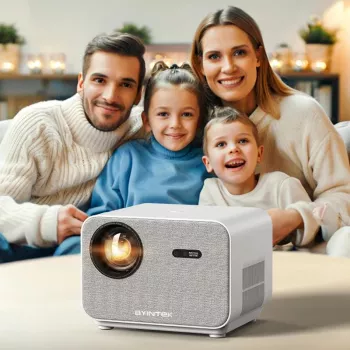
Full HD 1080P Home Theater Projector with 800 ANSI, WiFi6 & Bluetooth 5.2
Start by choosing a wall or screen that you can see comfortably from your seating area. Think about where people will sit, whether furniture will block the image and how easily everyone can move around the room. A clear viewing area can make a shared movie night more enjoyable.
Next, consider placement and power access. Leave a practical route to an outlet and arrange any necessary cables so they are not underfoot. Before settling on a position, review the projector’s placement and connection details alongside the devices you plan to use.
You can also make the room feel inviting without turning it into a dedicated theater. A clear side table gives you room for drinks and snacks, and a decorative accent such as our Abstract Clothes Shape Ceramic Vase can help the space feel welcoming between screenings. Keep decorations outside the viewing area so they do not interrupt the picture.
Make the Space Your Own
Keep furniture and decorations outside the projected image and leave a clear path around the room. Between screenings, a decorative accent such as our Abstract Clothes Shape Ceramic Vase can help make the space welcoming.
Check the product’s listed specifications when evaluating make the space your own.
Before choosing, compare the product details with your daily routine, available space, care needs, and preferred setup. The strongest option is usually the one that fits the intended use clearly and remains simple to clean, store, and check before repeat use.
It is also worth checking measurements, material notes, included parts, and compatibility details so the item matches the way it will be used after delivery.
Before choosing, compare the product details with your daily routine, available space, care needs, and preferred setup. The strongest option is usually the one that fits the intended use clearly and remains simple to clean, store, and check before repeat use.
FAQ
Is FHD 1080p a good resolution?
FHD 1080p can be a good choice for movies and everyday viewing. Your experience also depends on screen size, viewing distance and source quality.
Is Full HD 1080p or 720p?
Full HD is 1080p, with a resolution of 1920 × 1080 pixels. HD 720p has a lower resolution of 1280 × 720 pixels.
See if Full HD 1080P Home Theater Projector with 800 ANSI, WiFi6 & Bluetooth 5.2 fits your setup









Leave a comment